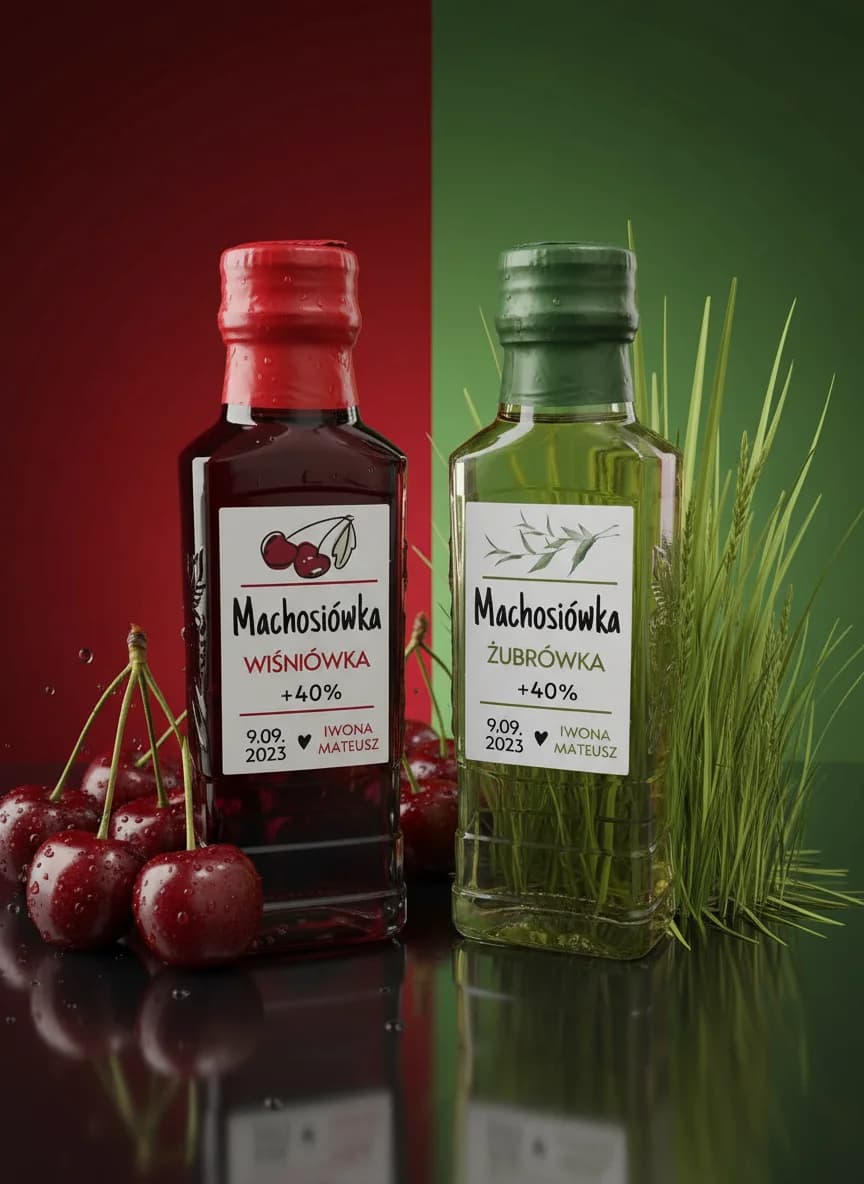
CMYK stands for Cyan, Magenta, Yellow and Key, the key being black. These are the four inks a printer uses to build every colour on paper. RGB stands for Red, Green, Blue: the red, green and blue light that makes up the image on a phone or monitor screen. You prepare print files in CMYK and web files in RGB.
Why "K" and not "B" for black
K comes from "key plate", the plate in offset printing that carried the outlines and text. It was usually printed in black ink. The letter B wasn't used so it wouldn't be confused with the "blue" in RGB.
Why colours on paper come out different from the screen
A screen emits light, while paper only reflects it. A screen can show very bright, "neon" colours that can't be mixed from four inks. When an RGB file goes to print, the print shop or its software converts it to CMYK. The brightest shades get toned down to the closest possible ones.
The usual losers:
- →intense greens and blues,
- →neon pinks and oranges,
- →highly saturated purples.
A brand colour saved in two versions: HEX or RGB for the website and social media, CMYK for print. Business cards and the website look alike.
A colour picked 'by eye' in Canva on a phone screen and sent straight to print. On paper it comes out bottle green instead of neon.
When to use which
| What for | Colour mode |
|---|---|
| Business cards, flyers, posters, catalogues | CMYK |
| Website, social media, on-screen presentations | RGB (HEX codes) |
| Clothing, signs, colour must match across many materials | Pantone (a colour picked from a swatch book) |
How to prepare a file so the colours match
- →Set up a print design in CMYK from the start. In Canva, choose "PDF Print" when exporting and, if you have Canva Pro, the CMYK colour profile. In Adobe programs, set the document to CMYK mode.
- →Turn on the CMYK preview (soft proof) and check which colours get dull before you send the file.
- →Save your brand colour with codes in both modes, ideally in your brand book.
- →For an important print run, ask the print shop for a test print.
Set black text to 100% K, not a mix of all four inks. With small letters the mix can shift slightly and the text comes out blurry.
Sending a file to print and not sure the colours will come out right? I'll check it before printing, before you pay for the whole run.
See printing at WUYOFAQ
What does CMYK stand for?
Cyan, Magenta, Yellow and Key (black). These are the four inks used in printing.
What does RGB stand for?
Red, Green, Blue. Mixing these three colours of light creates the image on a screen.
Can I send an RGB file to print?
You can, but the print shop will convert it to CMYK without your control. Bright colours may come out darker or duller. It's safer to prepare the file in CMYK and check the preview.
What is Pantone?
A swatch book of ready-made, numbered colours. It's used when a colour has to be identical across different materials, e.g. on clothing, a shop sign and packaging.
More on preparing files in how to prepare print-ready files.