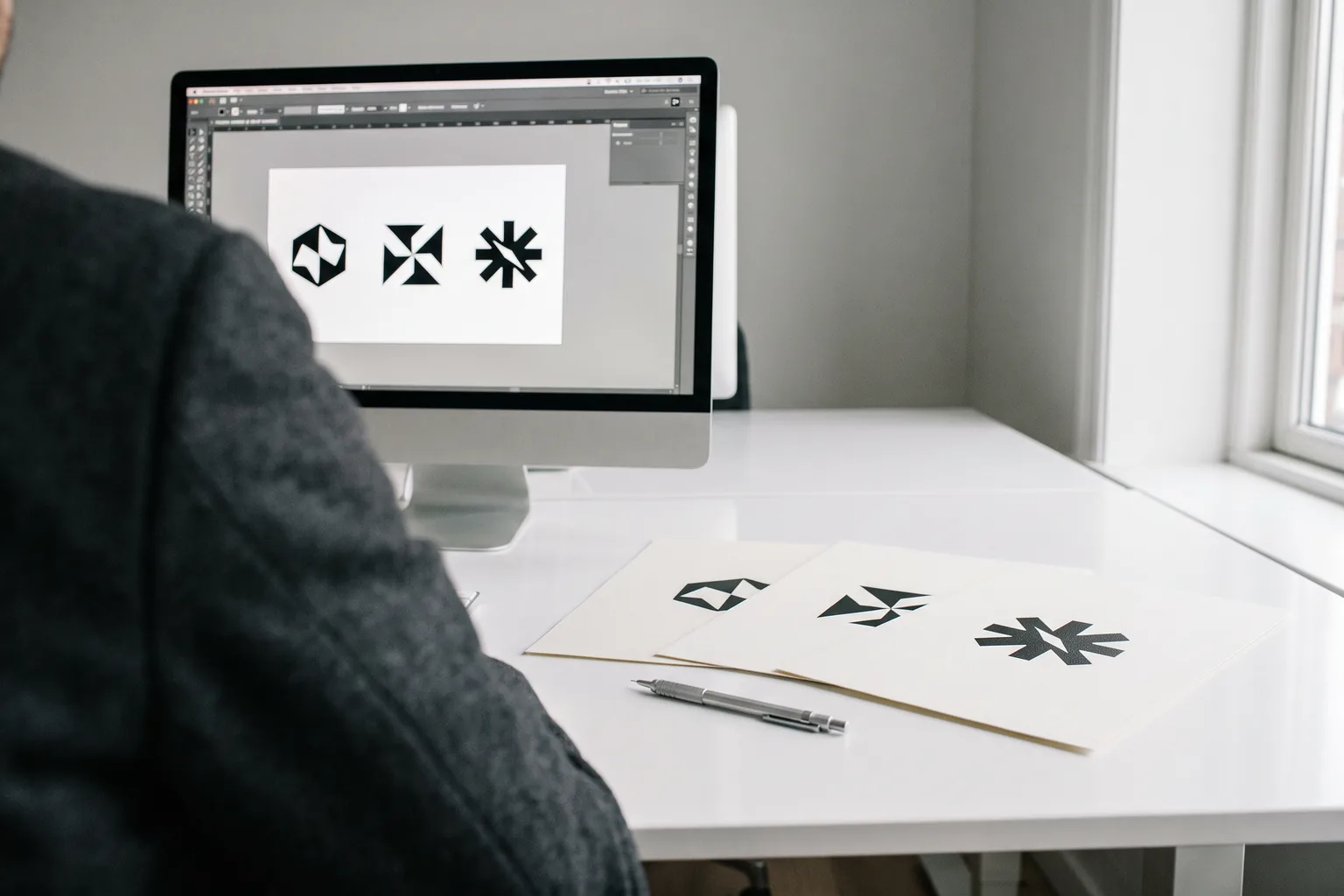
The logo files you get from a designer should be included in the price of the design: vectors (SVG, PDF) for print and PNG for the web. With me a logo costs from 890 PLN net (plus 23% VAT), and you get it in three versions, as SVG, PDF, PNG and JPG files.
I'm writing about this because it's a common problem. A business owner wants a shop sign, a banner or T-shirts for the team. The print shop asks for the logo "as a vector". And all they have is a small JPG cut out of Facebook years ago. Below is which files you should have and what each one is for.
Vector or PNG: the one difference that matters
All logo files fall into two groups.
Vector (SVG, PDF, EPS, AI): the logo is saved as shapes and lines. You can enlarge it from a business card to a 5-metre banner and the edges stay sharp. Print shops, sign makers and garment printers ask for exactly this file.
Pixel graphics (PNG, JPG): the logo is saved as a grid of tiny squares. It looks fine on screen. Enlarged, the edges turn jagged and blurry. You won't make a decent shop sign from a small JPG.
A simple rule: the vector is the "master" file. You can always make a PNG of any size from it. Not the other way round: then the logo has to be redrawn.
Which logo files you should get from a designer
This is the minimum. If anything is missing, ask before you pay the rest.
It's also good to know which colours the logo uses (colour numbers for print and screen) and which typeface is in the name. A brand book usually covers this. What exactly goes into one is in brand book: what it is and what it costs.
Which file for what: a cheat sheet
Save or print it. It'll come in handy next time someone asks for the logo "in good quality".
| Where you use the logo | Which file to send |
|---|---|
| Print shop: business cards, flyers, posters | PDF or SVG |
| Banner, shop sign, window or vehicle graphics | PDF or SVG |
| T-shirt printing, embroidery | PDF or SVG |
| Website | SVG, or PNG |
| Facebook, Instagram, Google Business Profile | PNG |
| Email signature | PNG |
| Presentation, offer in Word | PNG with a transparent background |
If the print shop sends a file back with comments, it's usually about a missing vector, wrong colours or no bleed. More on that in how to prepare print-ready files.
All you have is a JPG from Facebook? What you can do
It's a common situation. The logo was made by a friend, a nephew or a company that no longer exists. All that's left is what's online.
- →Search your old email. Type "logo", "pdf", "svg" or the designer's name into your mailbox search. The files are often sitting in an attachment from years ago.
- →Ask the author. If you have a contract with a transfer of rights, you also have grounds to ask for the source files. How to check this is covered in logo copyright.
- →Have the logo redrawn as a vector. A designer recreates the mark from the image. For a simple logo it's a short job billed by the hour: with me 100 PLN net per hour plus VAT. For a logo with lots of detail, a refresh of the mark is sometimes the more sensible option. A refresh of an existing logo costs from 1,000 PLN net with me.
One warning. Many "free converters" turn a JPG into an SVG file, but inside there's still a pixel image or a jagged outline. The file name is right, the quality isn't.
How it works with me
After the logo is approved, you get one package with SVG, PDF, PNG and JPG files. It contains three versions: horizontal, vertical and single-colour. Once it's paid in full, you have the full economic rights and the source files, at no extra cost.
A logo is from 890 PLN net. A logo with a mini brand book is 1,190 PLN net. Every price is plus 23% VAT. What the price depends on is covered in how much does a logo cost.
Only have your logo as a JPG, or not sure your files are fit for print? Send me what you have. I'll check and tell you plainly what to do.
Send files for a checkFAQ
Should logo files be included in the design price?
Yes. The file package is part of the design, not an extra. With me SVG, PDF, PNG and JPG are included in the logo price, from 890 PLN net plus 23% VAT.
How can I check whether my logo is a vector?
Open the file and zoom right in, say to 800%. If the edges stay smooth, it's a vector. If you see steps and blur, it's a pixel image. The file extension (.pdf, .svg) alone isn't proof, because there may be a pasted image inside.
Which logo file should I send to the print shop?
PDF or SVG. If the print shop asks for AI or EPS, ask your designer to prepare them. They can be saved from the source file without redrawing the logo.
Can I make a banner or shop sign from a PNG?
Only if the PNG is very large and the logo is simple. In most cases it's better to have the logo redrawn as a vector first. That costs less than a banner that turns out blurry once it's hung.
Get in touch if you want me to check your current logo files or order a new logo with a complete set of files.